


Few new photos...

Thread Starter
Shelby GT350 Member

Joined: October 4, 2004
Posts: 2,121
Likes: 0
From: San Clemente, CA
Few new photos...
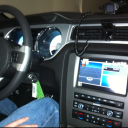
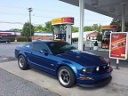
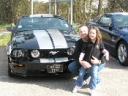
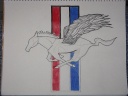
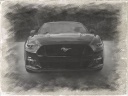
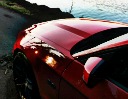
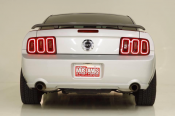
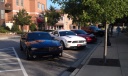
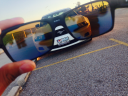
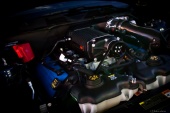
My fiancee and I took a trip up the coast to Morro Bay. Couple pictures I thought I'd share as well as a transparent hood chop i did (1st attempt).


Last edited by SurfnSoCal; Feb 24, 2012 at 10:53 AM.





Member
Joined: February 24, 2012
Posts: 9
Likes: 0

Member
Joined: December 2, 2011
Posts: 11
Likes: 0
From: Alexandria VA
For the last picture take two images. One with the hood up and one with the hood down. In photoshop layer the image of the car with the hood down on top of the image of the car with the hood up. Use your eraser tool set to minimum hardness and an opacity of, lets say, 10%. Make the eraser area size fairly large. Slowly erase the image of the "hood down" car around the engine bay... you will begin to see the internals peeking through. Continue until the desired effect is achieved.
Last edited by NoVA_Mike; Feb 28, 2012 at 01:22 PM.
Thread Starter
Shelby GT350 Member
Joined: October 4, 2004
Posts: 2,121
Likes: 0
From: San Clemente, CA
For the last picture take two images. One with the hood up and one with the hood down. In photoshop layer the image of the car with the hood down on top of the image of the car with the hood up. Use your eraser tool set to minimum hardness and an opacity of, lets say, 10%. Make the eraser area size fairly large. Slowly erase the image of the "hood down" car around the engine bay... you will begin to see the internals peeking through. Continue until the desired effect is achieved.

Anyone have suggestions on where I can post them full size (wallpaper)?


Thread
Thread Starter
Forum
Replies
Last Post