


2005-2009 Mustang Raxiom OE-Style GPS Navigation w/ Back-Up Camera!


V6 Member
Joined: July 8, 2006
Posts: 90
Likes: 0
From: nj
Thanks Olds350...I'll try the multimeter test but I'm certain it's the radio. When I sent the first unit back and put my stock radio back in for few days, there was no draw on the battery. But I'm definitiy going to head to the local store and pick up a decent multimeter and then test the draw. Thanks for the help!
V6 Member
Joined: July 8, 2006
Posts: 90
Likes: 0
From: nj

So after testing the draw I discovered with the radio hooked up the draw is .50 mA, kind of odd but it would cycle from .50mA down to .10mA then back up. As soon as I pulled the radio fuse it stayed steady at .10mA. I spoke with Rosen and they are currently testing this issue on a 08 mustang but they haven't been able to duplicate the issue. The Rosen tech told me their have been about 3 calls this week for this issue. They are unsure if it's a firmware problem or something in the CAN interface.
CAN-Interface=
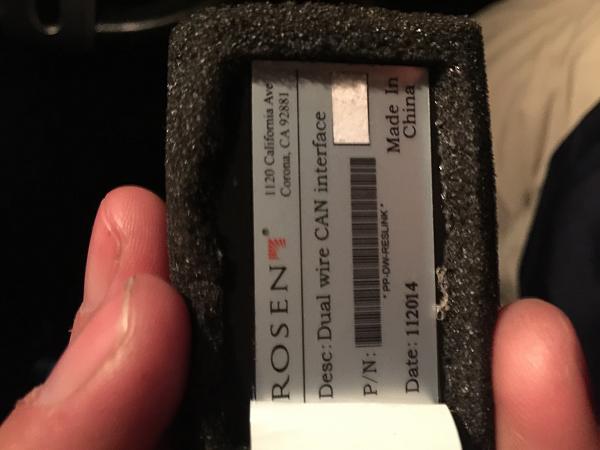
So I think I'm just going to return this unit and go another direction
CAN-Interface=
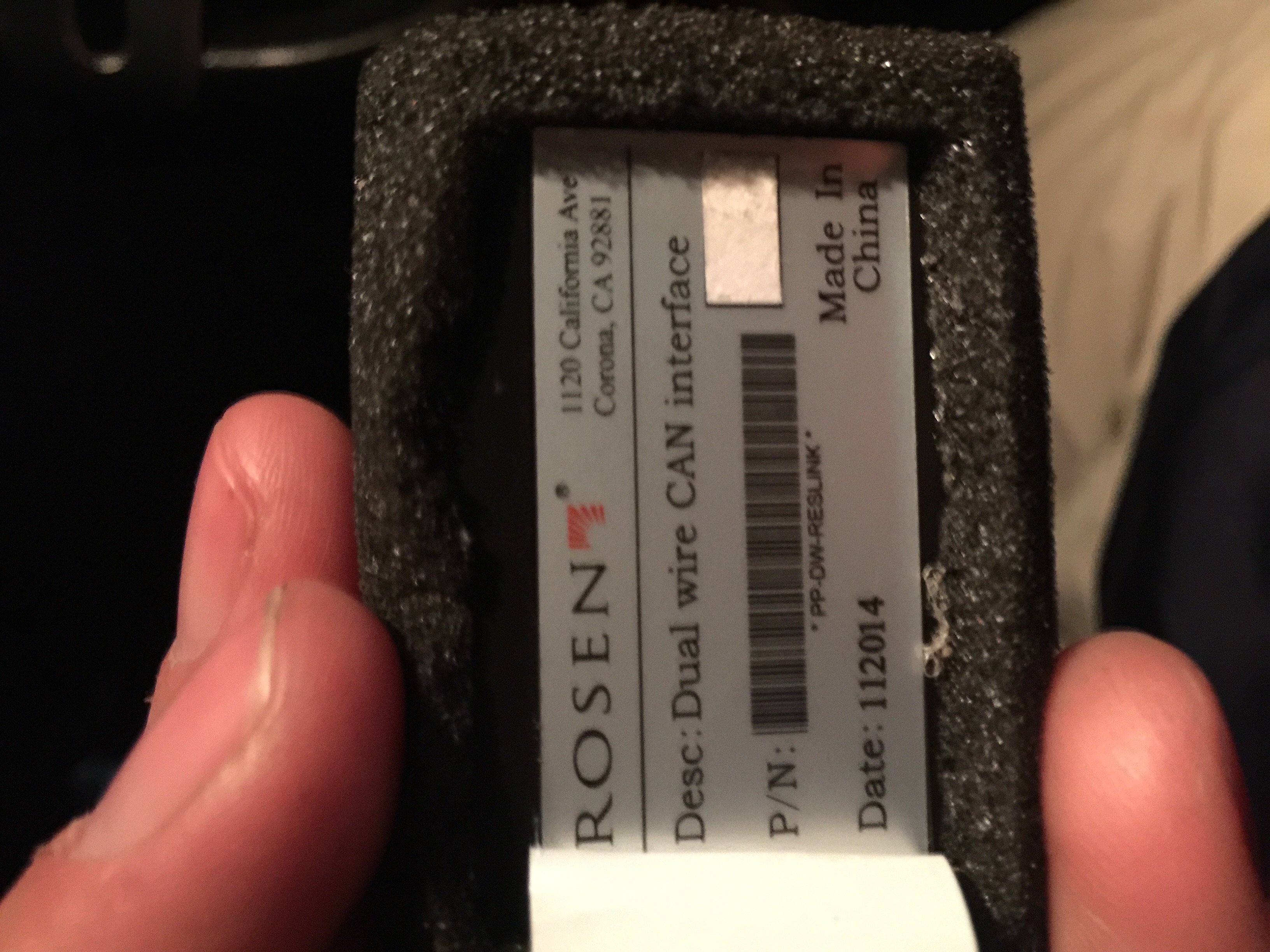
So I think I'm just going to return this unit and go another direction

Member
Joined: August 17, 2015
Posts: 1
Likes: 0
08 gt
Recently added this to my 08' gt. So far I haven't had a battery drain problem but I also have a new battery so I'll hook up the multi meter soon and check if it doesn't die before then.
Back up camera works great for me and I didn't have to splice in to any extra wires which was nice.
I'm a little annoyed at how android doesn't have a easy way to send metadata to this but I'm not sure what I expected since most car audios pander to apple still.
No meta data over a2dp either.unless you have An older phone.
I ended up running my camera and gps through my trunk. For the gps I took the wire out an unused rubber grommet at the tail light, under the trunk hydraulics and up the window line till I could put it on the hook. Need some silicone for the magnet on the paint but it looks ok. May get a fitted piece of plastic painted the color of the card to conceal it as well.
Back up camera works great for me and I didn't have to splice in to any extra wires which was nice.
I'm a little annoyed at how android doesn't have a easy way to send metadata to this but I'm not sure what I expected since most car audios pander to apple still.
No meta data over a2dp either.unless you have An older phone.
I ended up running my camera and gps through my trunk. For the gps I took the wire out an unused rubber grommet at the tail light, under the trunk hydraulics and up the window line till I could put it on the hook. Need some silicone for the magnet on the paint but it looks ok. May get a fitted piece of plastic painted the color of the card to conceal it as well.

Member
Joined: August 22, 2015
Posts: 2
Likes: 0
Red Wire?
Hi. I'm wiring up the back up camera and am a little hazy on what to do with the red wire. Black wire grounded, pink wire into e-brake, but directions aren't great about that red one. Amy help would be appreciated.

Bullitt Member

Joined: April 12, 2007
Posts: 283
Likes: 0
If I remember correctly, mine had a red wire in the radio portion of the harness that had a male bullet type connector already crimped onto it. I think I think I connected the red from the camera to the red with the male bullet connector, which is hot and gives power to the backup camera. Also, depending on what year model Mustang, you may or may not use the green wire that is marked "do not use". I had to use the green wire in my 2007. I had to connect it to backup light wire, to get the camera to come when when I shifted into reverse.
Member
Joined: August 22, 2015
Posts: 2
Likes: 0
If I remember correctly, mine had a red wire in the radio portion of the harness that had a male bullet type connector already crimped onto it. I think I think I connected the red from the camera to the red with the male bullet connector, which is hot and gives power to the backup camera. Also, depending on what year model Mustang, you may or may not use the green wire that is marked "do not use". I had to use the green wire in my 2007. I had to connect it to backup light wire, to get the camera to come when when I shifted into reverse.
Legacy TMS Member
Joined: November 13, 2005
Posts: 2,193
Likes: 46
^^^ This!
The red wire is switched by the HU so you don't drain your battery. I initially made the mistake of wiring the camera to 12v constant power, then re-thought it the next day. Don't make my mistake!

Bullitt Member
Joined: April 12, 2007
Posts: 283
Likes: 0
Take the door sill trim piece off, on the passenger side. Under it, you'll find a bundle of wires going front to back. The backup wire is white. There are a couple of white wires in the bundle, so you'll have to us a 12V probe to find the white wire that is only hot when you shift into reverse. Extend the green wire from under the console, to the backside of the firewall, under the right side footwell kick panel, down to the door sill and connect to the white backup wire.

Member
Joined: September 12, 2015
Posts: 8
Likes: 1
From: Yonkers
Hey all!
I specifically joined this forum after reading this thread. I purchased and received my Raxiom unit but been contemplating whether or not to install it myself. Seeing all those wires put me off, ESPECIALLY after seeing how AmericanMuscle provided NO detailed instructions. I couldn't believe it! I'll wire the camera myself starting tomorrow but will probably get some help with the rest.
mrkabc, you absolutely rock! Thank you so much for writing such a detailed set of instructions and providing pictures. YOU should submit it to AM and get something for it. Really, you did a kick *** job. Sabre, your contributions were also spot on. Thanks everyone. I think I'll be enjoying this forum quite well.
I specifically joined this forum after reading this thread. I purchased and received my Raxiom unit but been contemplating whether or not to install it myself. Seeing all those wires put me off, ESPECIALLY after seeing how AmericanMuscle provided NO detailed instructions. I couldn't believe it! I'll wire the camera myself starting tomorrow but will probably get some help with the rest.
mrkabc, you absolutely rock! Thank you so much for writing such a detailed set of instructions and providing pictures. YOU should submit it to AM and get something for it. Really, you did a kick *** job. Sabre, your contributions were also spot on. Thanks everyone. I think I'll be enjoying this forum quite well.

Member
Joined: June 1, 2015
Posts: 10
Likes: 0
It's been a few months since I've installed my Raxiom unit and no issues, only some frustrations w/ the menu structure, but I can deal with those. So here's my stupid question. Where the heck is the siriusxm radio ID code? I've looked at all the menus on the radio (at least the obvious ones) and looked at the supplied hard copy manual for help.
I can't find where to locate the ID code. I'm also looking for the expanded manual on Rosen's website.
Can anyone help me with either minor issue?
BTW, great thread on this install. Best I've found overall on the web.
I can't find where to locate the ID code. I'm also looking for the expanded manual on Rosen's website.
Can anyone help me with either minor issue?
BTW, great thread on this install. Best I've found overall on the web.
Member
Joined: September 12, 2015
Posts: 8
Likes: 1
From: Yonkers
Hey olds350, the code is NOT on the Raxiom unit itself. When you purchase a tuner - like the SXV300 tuner and antenna for the car - it'll be in three places: 1) on the tuner itself, 2) on the box sticker and 3) once installed, go to channel 000 (before preview channel) and you'll see the code there. It's best to get the code BEFORE installing the tuner.
Hope this helps!
Hope this helps!
Member
Joined: September 12, 2015
Posts: 8
Likes: 1
From: Yonkers
This is exactly what needs to be done! I spoke to a Rosen tech and he told me that there was no need to go to the SJB and connect anything from there (I own a 2006 Mustang). The red 1 amp ACC wire behind the unit itself is all you need to connect to.
Member
Joined: June 1, 2015
Posts: 10
Likes: 0
@ Lon3wolf. I had read to look at channel 0, but I have no way to get to channel 0. I have no menu prompts to get me there. This is my prompt on the center. It in no way matches the info in the manual. There is no channel selection and the options and text buttons do nothing. I'm at a loss here. I have the 1120 entry code entered for "siriusxm" in the settings menu.

Last edited by olds350; Sep 14, 2015 at 06:41 PM.
Member
Joined: September 12, 2015
Posts: 8
Likes: 1
From: Yonkers
@ Lon3wolf. I had read to look at channel 0, but I have no way to get to channel 0. I have no menu prompts to get me there. This is my prompt on the center. It in no way matches the info in the manual. There is no channel selection and the options and text buttons do nothing. I'm at a loss here. I have the 1120 entry code entered for "siriusxm" in the settings menu.
Can anyone confirm if I'm right on this? I don't want to give olds350 any incorrect info.
Legacy TMS Member
Joined: November 13, 2005
Posts: 2,193
Likes: 46
Hey all!
mrkabc, you absolutely rock! Thank you so much for writing such a detailed set of instructions and providing pictures. YOU should submit it to AM and get something for it. Really, you did a kick *** job. Sabre, your contributions were also spot on. Thanks everyone. I think I'll be enjoying this forum quite well.
mrkabc, you absolutely rock! Thank you so much for writing such a detailed set of instructions and providing pictures. YOU should submit it to AM and get something for it. Really, you did a kick *** job. Sabre, your contributions were also spot on. Thanks everyone. I think I'll be enjoying this forum quite well.
When you say the XM code on the tuner do you mean on the chassis of the Random or a separate tuner?
Member
Joined: September 12, 2015
Posts: 8
Likes: 1
From: Yonkers
Member
Joined: September 12, 2015
Posts: 8
Likes: 1
From: Yonkers
SD Card Reader
By the way, can anyone tell me if you've ever used the SD card to listen to music through the system? I am currently going back and forth with American Muscle about this. I loaded my microSD card with music and the system can't even acknowledge that I have a card inserted (the SD card indicator on screen is grayed out). I was told my AM that the card is only used to update the firmware or update maps. That sounds off to me. I thought I can simply load it up with mp3's and be on my way.
Please let me know as I'm ready to return this whole unit to them if it turns out that I have a bad SD reader. Thanks!
Please let me know as I'm ready to return this whole unit to them if it turns out that I have a bad SD reader. Thanks!
Member
Joined: September 22, 2015
Posts: 9
Likes: 0
From: Redondo Beach CA
Just Got Mine Installed Yesterday
Hey Guys, I'm new to the forum and just had my Raxiom NAV installed yesterday. My 09 Cali Special had the factory 6 disc Navigation unit but I definitely wanted bluetooth for my phone and the backup camera feature. I will admit, I was gonna attempt the install on my own but really didn't have the time so i took it to my local installed and he only charged me 2 hours of labor ($160). He was able to use the OEM navigation antenna and the NAV works perfectly. I havent tested out everything yet, but I am impressed with this unit and it was definitely worth the money. Only small irritation I have, when I put it in reverse, I get "No Signal" temporarily (about a 2 seconds) on the screen before the rear view camera projects whats behind me. Other than that, hands free phone works perfectly, I played a DVD and that works just fine. Here are some pics.
If anyone's interested in buying the Ford OEM 6 disc Navigation made by (Pioneer) shoot me a message, its in perfect condition.
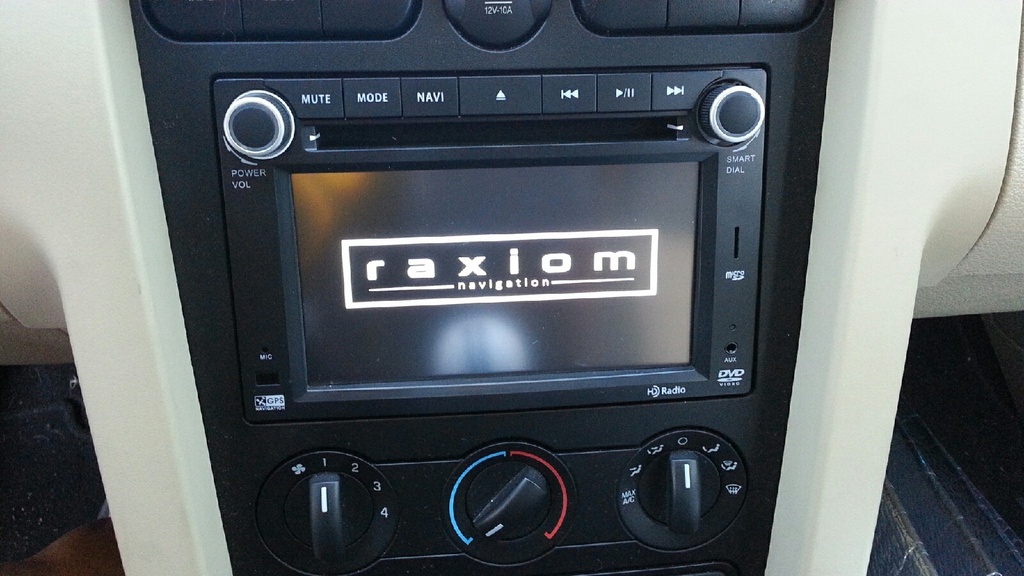
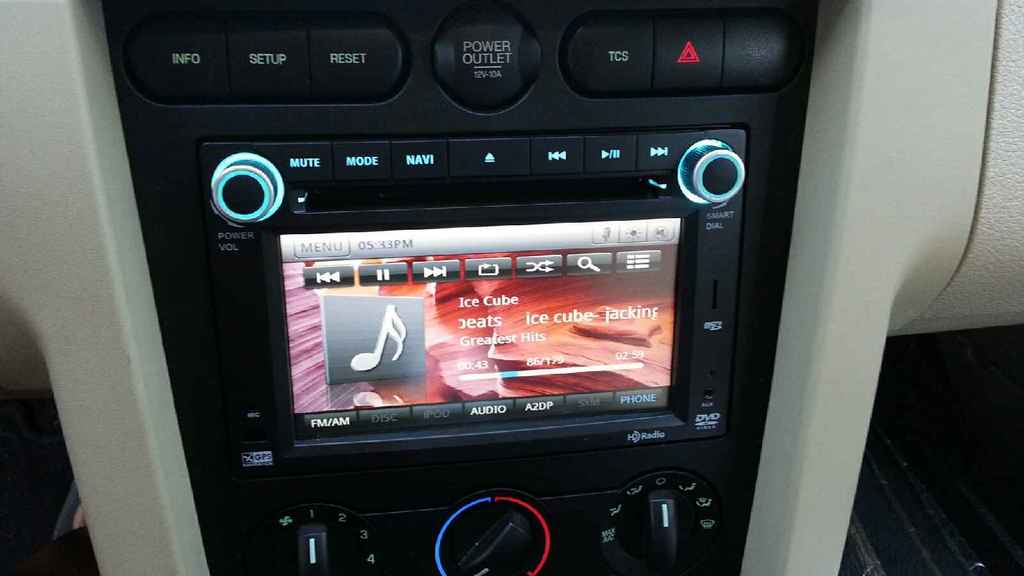
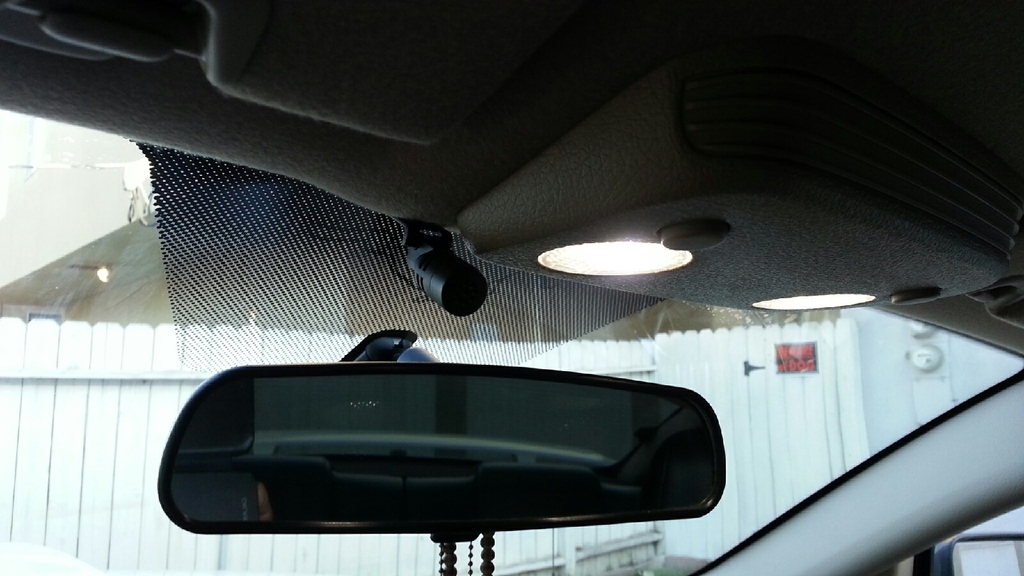
If anyone's interested in buying the Ford OEM 6 disc Navigation made by (Pioneer) shoot me a message, its in perfect condition.


Member
Joined: September 12, 2015
Posts: 8
Likes: 1
From: Yonkers
Hey Savior Six, welcome to the forum! I just last week when I saw this excellent post on installing this unit. Can you confirm that you can play music through the microSD card reader? I called Rosen and they told me that a card (16gig max) loaded with mp3 files (not mp4) can be played through the system. Is this true?