
TOPDON CarPal Bluetooth OBD2 Scanner: The Only ‘Pal’ You Need

TOPDON CarPal delivers thorough diagnostics by scanning all vehicle modules, covering everything from the drivetrain to safety systems.
Mustangs have never been more complicated. To maintain, repair, and modify modern ponies, you NEED an OBD2 scanner. But which one should you buy on a budget? The TOPDON CarPal Bluetooth OBD2 Scanner offers whole-vehicle scanning, six essential reset functions, I/M Readiness checks, Live Data monitoring, battery testing, and more—all for just $60.
Full Disclosure: This is a sponsored post.
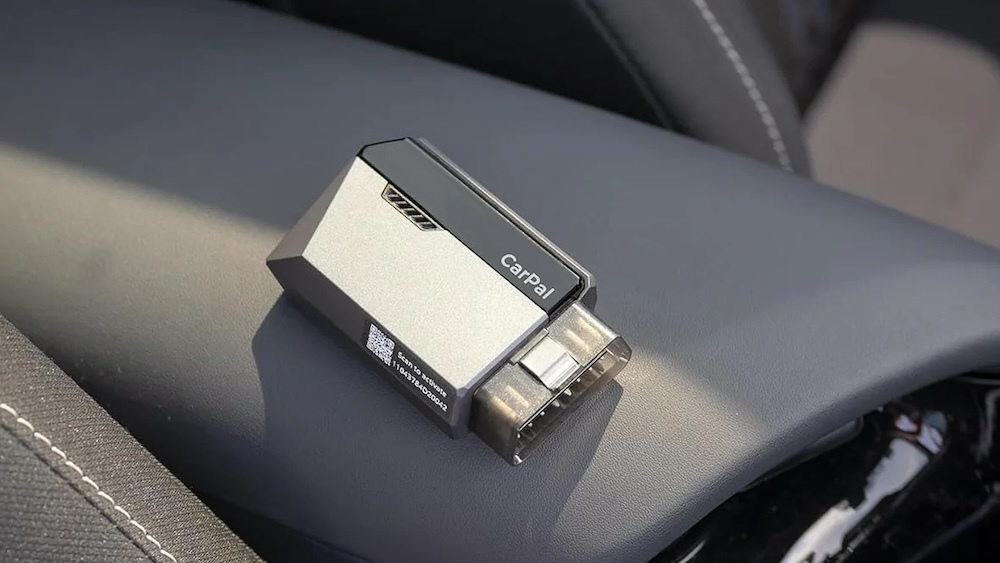
Why Add an OBD2 Scanner to Your Toolkit?
If you’re looking to diagnose car issues on a budget, an OBD2 scanner is essential. It allows you to access your car’s computer modules and pinpoint problems. However, scanners vary widely in price, features, and capability.
Basic scanners typically only check engine and transmission modules, while advanced models scan all systems and provide features once exclusive to dealerships. The TOPDON CarPal delivers impressive functionality for its price point.
TOPDON CarPal Pricing & Features
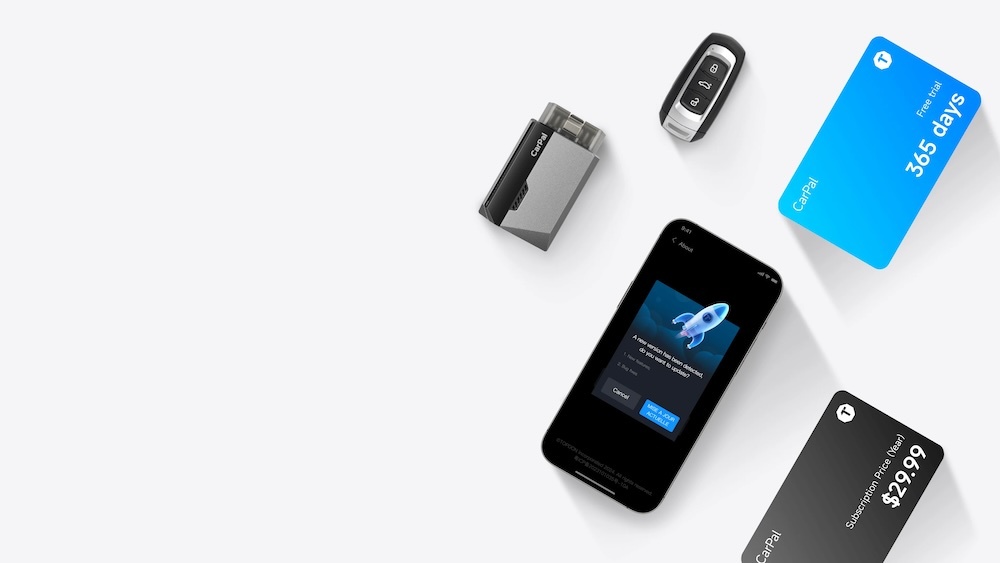
Priced at $60 (but currently on sale), the CarPal includes a Bluetooth dongle that connects to your vehicle’s OBD2 port (found in all cars from 1996 onward). It pairs with the CarPal app (available on iOS and Android) to provide system control and reporting.
- One-Year Service Included: Access to all vehicle brands is included for the first year.
- Annual Subscription: After the first year, the service costs $29.99/year.
Buy on Amazon HERE | Buy Directly from TOPDON HERE
Set-Up
To use the CarPal, you’ll need:
- The CarPal itself
- The CarPal app (iOS 11.0+ or Android 7.0+)
- A vehicle with an OBD2 port
- A stable internet connection (cellular or WiFi).
Setup Instructions:
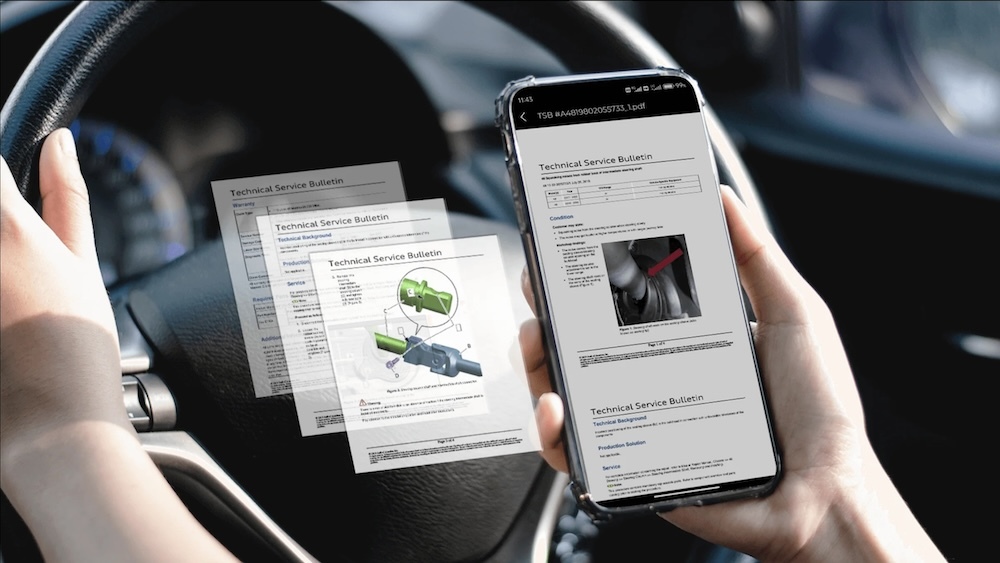
- Install the CarPal app and create an account.
- Download the digital catalog for the vehicle brands you plan to scan (e.g., Chevrolet, Ford, Lexus).
- Plug the CarPal dongle into your vehicle’s OBD2 port.
- Follow the prompts in the app.

Key Features
1. Whole Vehicle Scan
Modern vehicles contain multiple computer modules (engine, transmission, ABS, airbags, HVAC, etc.). While basic scanners only access the engine, the TOPDON CarPal scans all modules and identifies diagnostic trouble codes (DTCs) across the vehicle. The app generates a detailed report that can be saved or shared digitally.
Note: Compatibility for the latest model years (e.g., 2024 vehicles) may take 1-2 years to be integrated into the system—a standard limitation for OBD2 tools.
2. Live Data Monitoring
For experienced DIYers, CarPal provides Live Data from vehicle sensors in real-time while the car is running. Monitor and record up to four data streams simultaneously (e.g., O2 sensors, wheel speed, coolant temp, fuel trims, and misfires), making it easier to identify anomalies.
3. I/M Readiness
This feature determines whether your vehicle is ready for an emissions or SMOG test by checking key monitors like O2 and EVAP sensors. If monitors haven’t activated (e.g., after a battery reset), the app will alert you to potential issues.

4. Six Reset Functions
The CarPal offers six essential reset functions typically found on mid-tier scanners:
- Oil Reset: Clears oil change reminders.
- TPMS Reset: Calibrates tire pressure systems after rotation or new tires.
- EPB Reset: Resets electronic parking brakes after brake pad changes.
- BMS Reset: Recalibrates battery systems after a replacement.
- Throttle Adaptation: Reconfigures throttle bodies (common after a battery swap).
- DPF Regeneration: Cleans Diesel Particulate Filters (for diesel vehicles).
While more advanced scanners offer bidirectional controls for additional calibrations, the CarPal delivers robust functionality for its price.
5. Battery Testing
Modern vehicles depend heavily on a stable electrical system. CarPal’s battery testing feature monitors battery health, alerting you when it’s time for a replacement—avoiding the frustration of unexpected dead batteries.
6. Performance Testing
Want to measure your vehicle’s 0-60 mph acceleration? CarPal tracks and records speed data to help analyze performance and efficiency under load.
Editor’s Note: Only use this function in safe, controlled environments away from public roads and pedestrians.
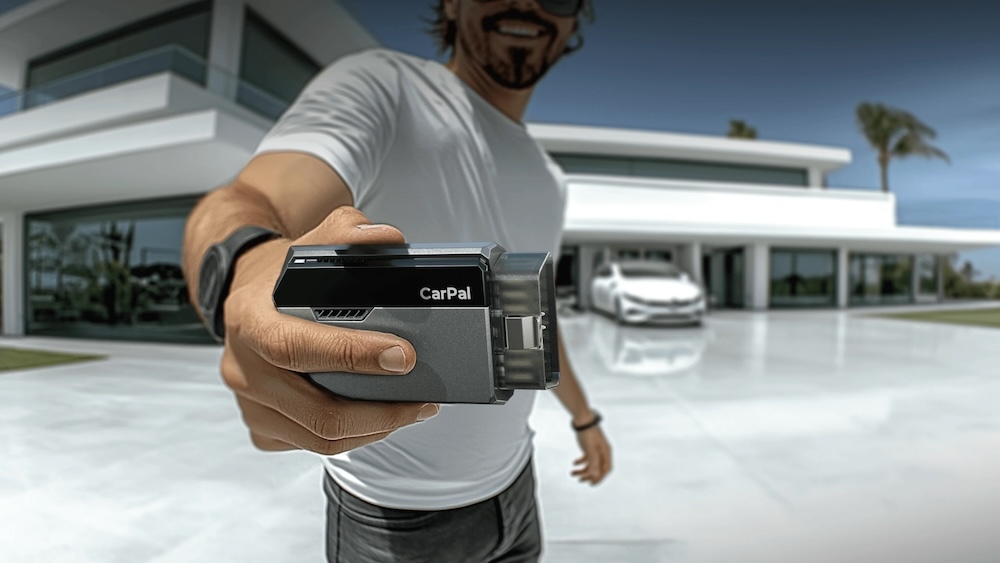
7. Service Menu
The CarPal app includes four additional tools:
- DTC Repair Guide: Suggestions for troubleshooting fault codes.
- Technical Service Bulletins (TSBs): Access to common vehicle-specific service updates.
- DLC Locator: Easily find your car’s OBD2 port.
- Warning Light Library: Glossary of dashboard warning lights and their meanings.
Learn More
For an in-depth look at CarPal in action, check out TOPDON’s YouTube Channel, which features a full playlist of tutorials and demonstrations.
The TOPDON CarPal punches above its weight, delivering powerful diagnostic capabilities at an accessible price. For $60, it’s a solid investment for DIYers looking to gain insight into their vehicles without breaking the bank.

You must be logged in to post a comment.