


The Boss that I wanted



Cobra R Member

Joined: December 3, 2010
Posts: 1,851
Likes: 3
 I was builing mine in bright yellow eariler (the lime green also looks nice) - what do you use for screen capture?
Last edited by 2012YellowBoss; Sep 16, 2011 at 12:04 PM.
Thread Starter
Mach 1 Member
Joined: June 9, 2010
Posts: 717
Likes: 0
From: Mid-West
Try this- when you have your car set, hit the PrtScn button, and then open up Microsoft Paint and hit the "Paste" button, and it should clip your whole screen on, then you cut out the parts you don't want.
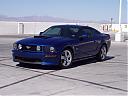
It would be fun to have alot of different cars on this thread.


GT Member
Joined: August 4, 2011
Posts: 175
Likes: 0
You guys are too good with computers!
I liked all the colors and color changes presented.
Just got back from my Dealer checking out the 2013 colors.
Saw Grabber Blue, Performance White and Race Red.
School Bus Yellow and Gotta have it Greenwere nowhere to be seen.
Cheers,
Jouster
I liked all the colors and color changes presented.
Just got back from my Dealer checking out the 2013 colors.
Saw Grabber Blue, Performance White and Race Red.
School Bus Yellow and Gotta have it Greenwere nowhere to be seen.
Cheers,
Jouster
Cobra Member
Joined: February 13, 2011
Posts: 1,399
Likes: 0
From: Southern NH
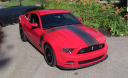
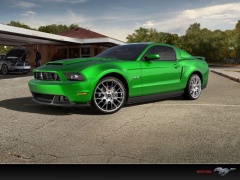
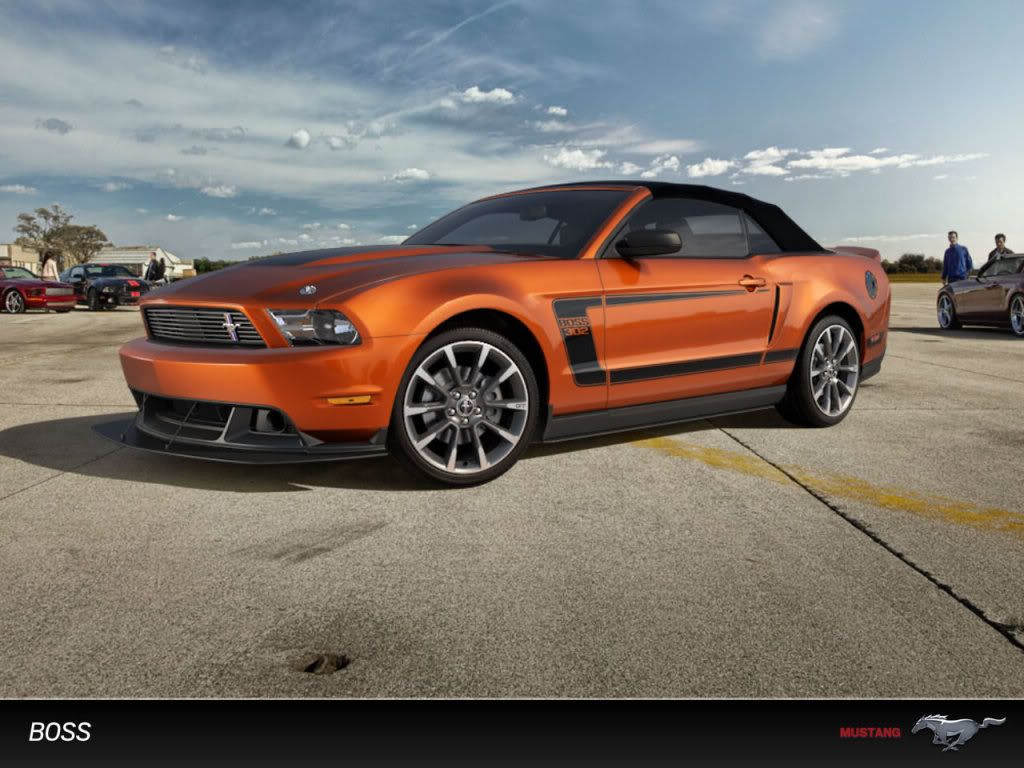
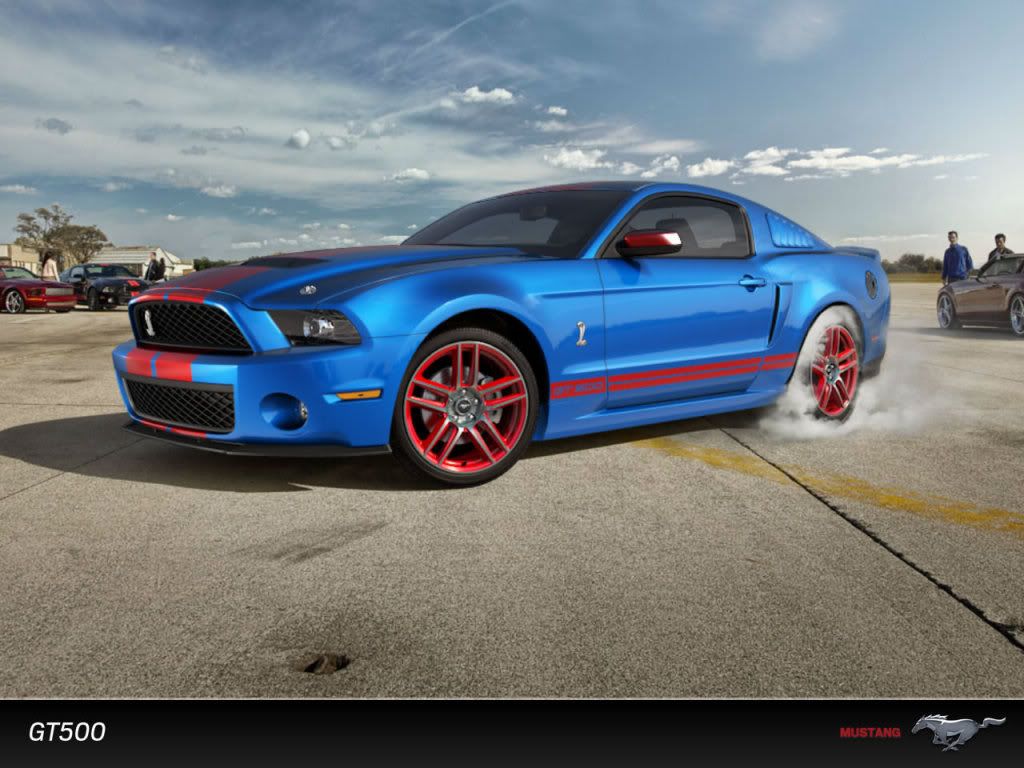
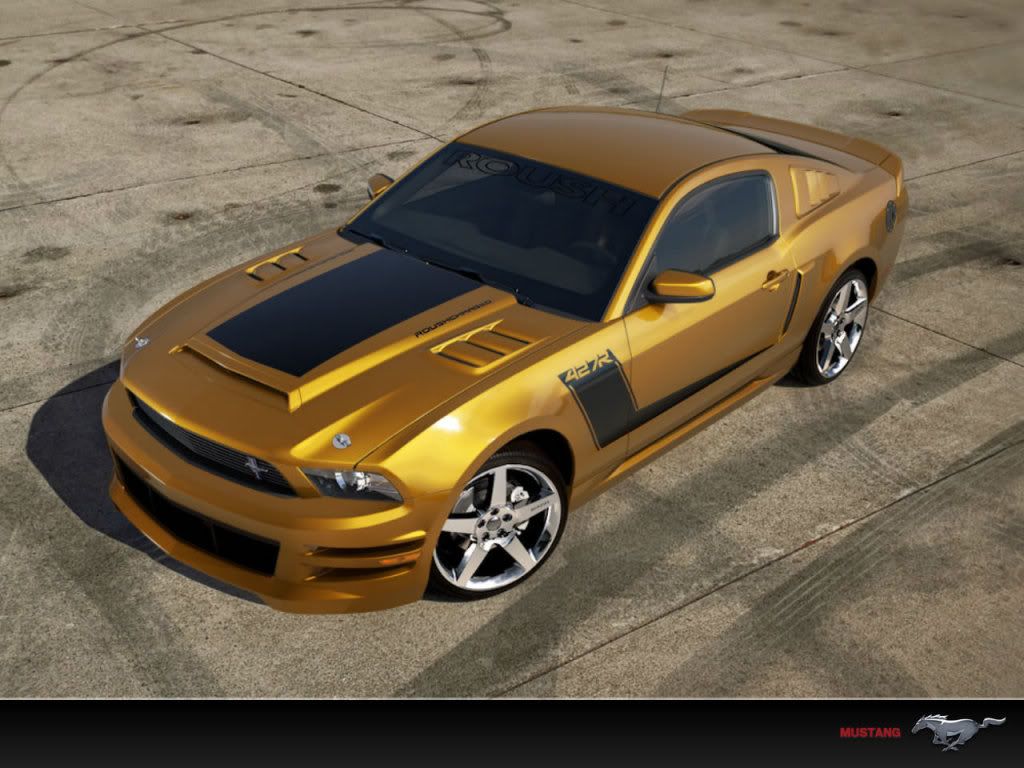
Jouster, you know you can just mouse click all this using the link by the OP, saving the wallpaper, and then uploading the attachments? No leet photoshop sk1llz required. Just noticed I forgot to remove the rear 1/4 scoops, dang... So more w/o the scoops. Don't really care for the fascia but just going for the most 'something different' effect.

Cobra Member
Joined: February 13, 2011
Posts: 1,399
Likes: 0
From: Southern NH

Thread
Thread Starter
Forum
Replies
Last Post
tdf017
General Mustang Chat
6
Aug 5, 2015 10:13 AM