When you click on links to various merchants on this site and make a purchase, this can result in this site earning a commission. Affiliate programs and affiliations include, but are not limited to, the eBay Partner Network.
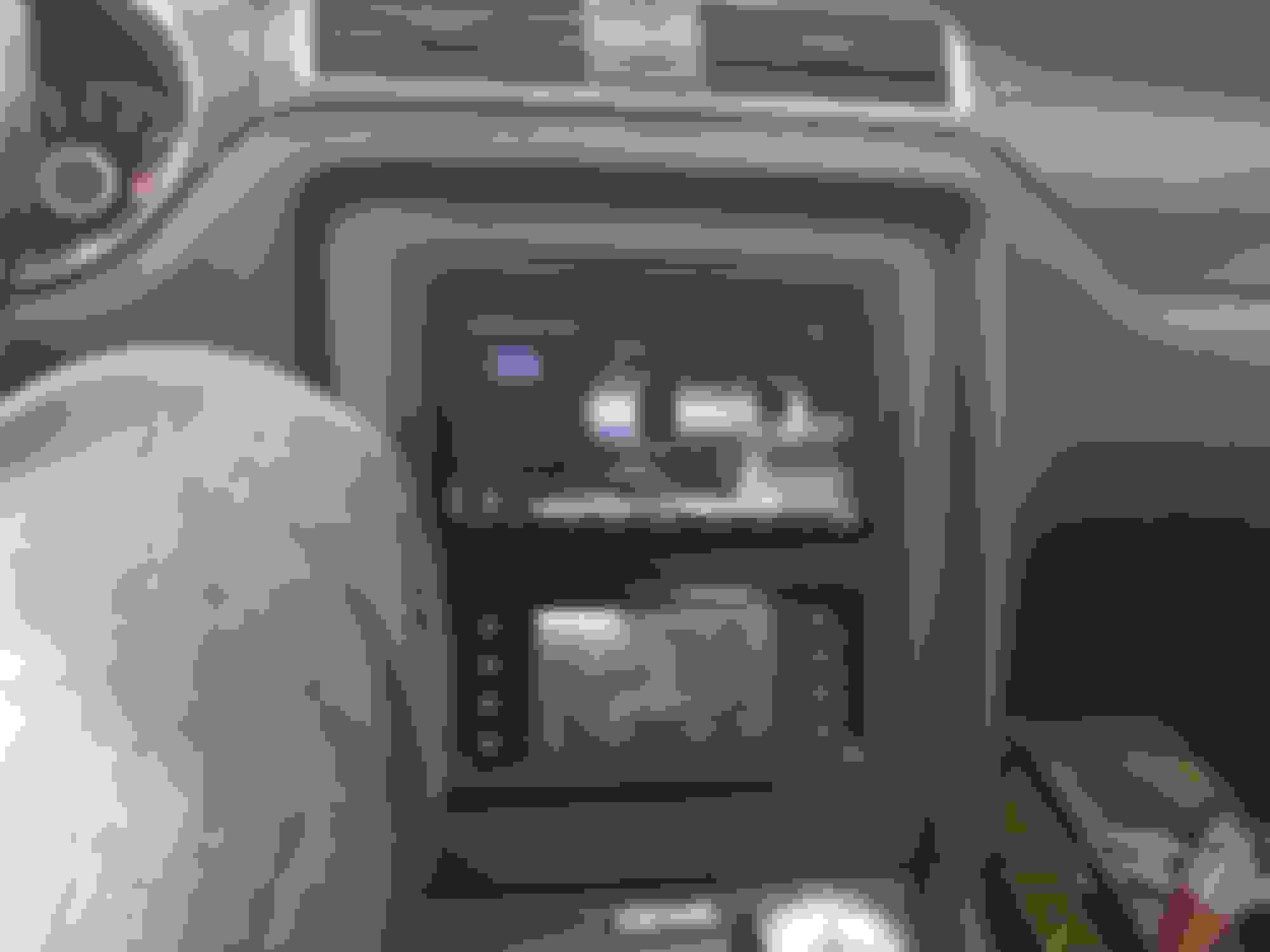
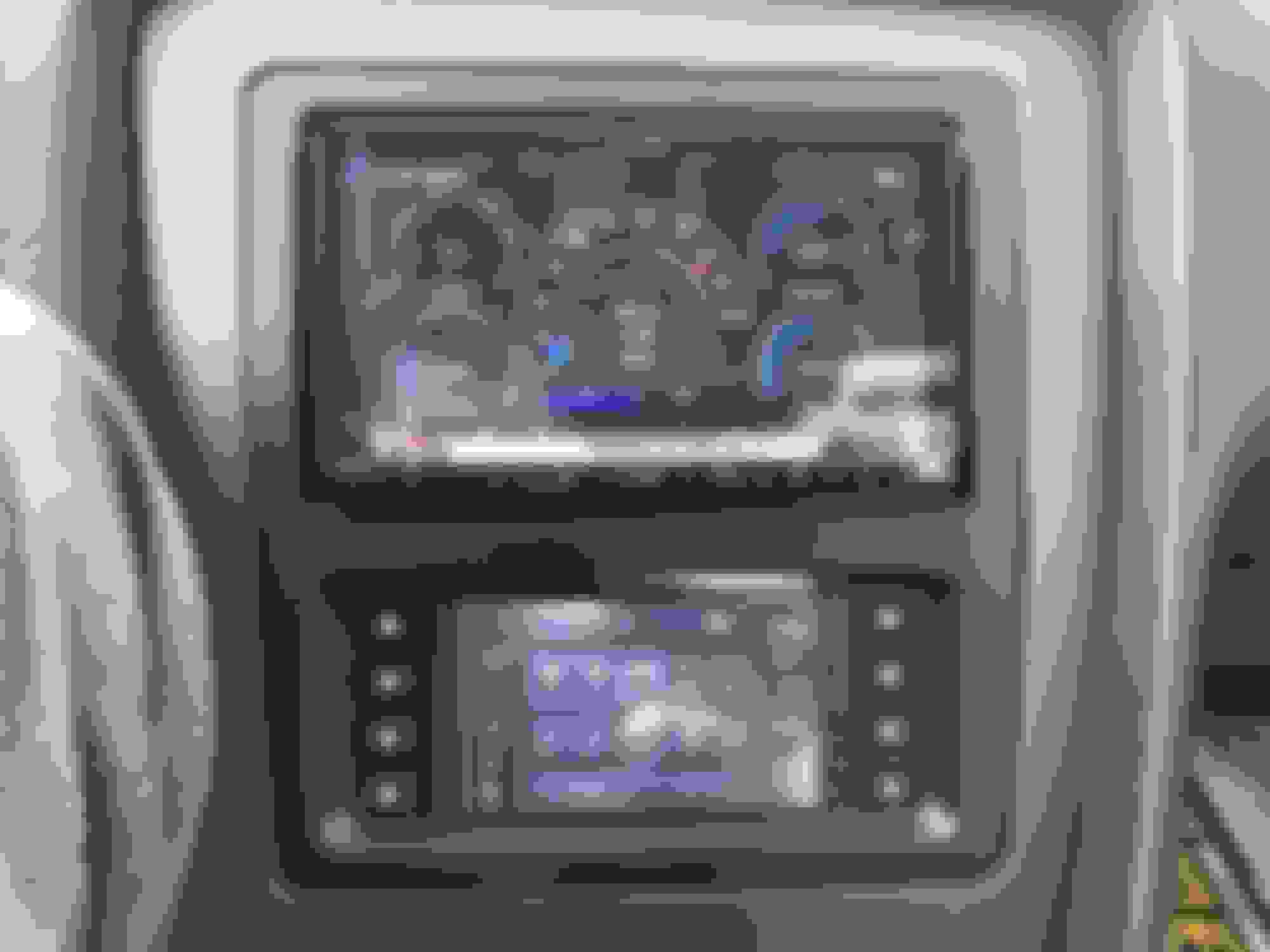
So, have not seen anybody post about this. It's the Metra 99-5839CH, finally they did it the correct way with the radio on top.
Sadly looks like the first batch had the brackets missing. No surprise for me, because Crutchfield called notifying and letting me know they where going to ship them. BTW they have the best price by a wide margin on this kit.
I do have a Maestro kit already, so maybe I can test with that mounting bracket over the weekend.
I'll maybe post pics tomorrow of what's in the box. I have a decent HU so I'm not sure if Ill be mounting the lower display.
Im not using the bottom display/controls, yes a very expensive piece of plastic aka trim kit.
Radio on the inside is a single din, wont think a full double will without hacking up the car a bit. Height difference against Maestro. Color match is off, and as you can see scratches easily (That was with a new microfiber towel). The maestro's color match was way better.
That's the kind of thing I've been waiting for. I'd prefer stock buttons and dials for the AC controls but Ford has made that impossible if you want to upgrade your stereo. As far as the color mismatch, wasn't there some paint available that was almost an exact match mentioned in one of these threads before?
So tell us about that head unit. What information from the car does it display and how well does it work with phone calls and bluetooth sync?
Did you ever hook up the bottom screen and controls? I was wondering what the 4 physical buttons on each side of the screen actually control. Do you have the Maestro RR hooked up as well with this. How did you relocate the HVAC module behind the factory screen? I appreciate any more info on this.
Last edited by Newchamp; Sep 30, 2017 at 05:29 PM.
Sorry to bring this post back up, but did you have the factory Navigation or just the regular Shaker system? Hoping to see if this works replacing the factory navigation. Also hoping it works with the Maestro RR system too. Thanks!
I ended up having this kit installed on 10/09/17 at a local installer. I have the Shaker 500, w/o nav. The interface and S.W.C. on the Metra kit is the screen unit itself. I had the installer contact Metra to see if it was compatible with the Maestro. Metra said it is not.
Issues I have is on the steering wheel controls and SYNC compatibility. The volume, previous,next track, and source input buttons work fine. The "OK" button does nothing. The Push to Talk, and Phone pick up/hang up buttons cause the new head unit(Kenwood DDX9904s) to crash and power off. The only way to get the head unit back on is to change the source input button and it will power back on.
I hear the SYNC lady when I press the PTT, but although my phone is paired to the head unit, SYNC says there are no bluetooth devices connected. The tech at the installer said he will contact Metra to see if they can resolve the issues. However I have lost confidence in the installer.
This kit places the head unit and the HVAC control screen in the perfect position IMO, and I like having the 4 physical buttons for temperature up/down and fan speed up/down. The Maestro kit only be set up for 3 of those 4 as the other 2 of the 5 buttons on the Maestro kit cannot be user defined. As far as the issues I am having I'm not sure if it's the kit or the installer. If I could get the PTT button working I would be completely satisfied. I don't know if the iDatalink MUS1 kit retains all SWC functions including PTT or not.
I know this thread is a little old, but just throwing out there that you can find this metra kit on ebay for a good bit cheaper then cruthfield's discounted price when you also purchase a head unit. It's also still like $100 more then you can find the maestro ads-mus01.
I ordered the metra for my wife's 2016 cause options are extremely limited, but for my 12 I'm going maestro
It amazes me that installers and tech support aren’t knowledgable enough to integrate components. I am new to this stuff and can’t even figure out how to integrate sync and steering wheel controls, but had no problem getting full integration of the metra and maistro RR. I just spliced the two power harnesses from the metra unit into the corresponding wires on the maistro harness. Programmed the maistro RR harnesses to have all features except climate control (to prevent data collision) and tada - full integration. You don’t have to pick between the two. I just need to figure out sync and steering wheel control. Google makes results hard to come by now a days
It amazes me that installers and tech support aren’t knowledgable enough to integrate components. I am new to this stuff and can’t even figure out how to integrate sync and steering wheel controls, but had no problem getting full integration of the metra and maistro RR. I just spliced the two power harnesses from the metra unit into the corresponding wires on the maistro harness. Programmed the maistro RR harnesses to have all features except climate control (to prevent data collision) and tada - full integration. You don’t have to pick between the two. I just need to figure out sync and steering wheel control. Google makes results hard to come by now a days
Sorry bring old thread guys, but its better than creating a new one!
Hi @rbbrown505
Did you ever get 100% full functionality?
I just ordered this same dash kit and want to ditch my MUS1 kit as it looks too aftermarket for my taste.
As far as your steering wheel controls...
Maestro RR controls SYNC and steering wheel controls. Were you able to figure it out?
I actually had the same idea as you did, connecting them together but keep the climate controls to the metra kit and not even hook up metras Engine data part as thats what Maestro RR is for.
Anyway, if you could update me, I would appreciate it!
Any of you guys having issues with SYNC not getting recognized by the metra?
I tried disconnecting my battery for 20 minutes and nothing..
My phone connects to sync.. but nothing happens past that.
Metra is NOT recognizing it and steering wheel control for the SYNC is not working..
If someone can help. i would appreciate it!
I'll try to get another bump on this old thread. If I don't buy a new car soon I may just keep the old S197 and make it feel newer with a head unit upgrade (plus other stuff like suspension...). I like the MUS1 kit because it give you a place to put your phone underneath but having fully separate climate controls is nice. Though I guess the MUS1 does give you options with the 5 hard buttons.
Originally Posted by Newchamp
This kit places the head unit and the HVAC control screen in the perfect position IMO, and I like having the 4 physical buttons for temperature up/down and fan speed up/down. The Maestro kit only be set up for 3 of those 4 as the other 2 of the 5 buttons on the Maestro kit cannot be user defined.
Note that the 5 hard buttons can be programmed for 2 functions each, quick press and long press (hold). So even thought you can't change the 'Climate' or 'Rear Defrost' buttons you could have them doing something else with a long press. If I got this route I was thinking 'Climate' long press would engage MAX A/C and 'Rear Defrost' long press would engage MAX Defrost. I think those are options. I'd also have the fan speed buttons and have long press raise or lower temp (- = lower + = raise). Then I would use the gauge button to show gauges or switch the screen that shows tire pressures. If I'm not mistaken the Maestro RR also allows you to program long presses on your steering wheel controls as well. There should be an older (and longer) thread here covering that stuff. I track my car so the past few years I've been focused on that and not having new tech. Now I have the itch for something new. Plus having tire pressures displayed on track could be helpful.
If anyone has info on how to by pass sync and just use Android Auto with the Maestro RR that might be a better option as well.
I'll try to get another bump on this old thread. If I don't buy a new car soon I may just keep the old S197 and make it feel newer with a head unit upgrade (plus other stuff like suspension...). I like the MUS1 kit because it give you a place to put your phone underneath but having fully separate climate controls is nice. Though I guess the MUS1 does give you options with the 5 hard buttons.
Note that the 5 hard buttons can be programmed for 2 functions each, quick press and long press (hold). So even thought you can't change the 'Climate' or 'Rear Defrost' buttons you could have them doing something else with a long press. If I got this route I was thinking 'Climate' long press would engage MAX A/C and 'Rear Defrost' long press would engage MAX Defrost. I think those are options. I'd also have the fan speed buttons and have long press raise or lower temp (- = lower + = raise). Then I would use the gauge button to show gauges or switch the screen that shows tire pressures. If I'm not mistaken the Maestro RR also allows you to program long presses on your steering wheel controls as well. There should be an older (and longer) thread here covering that stuff. I track my car so the past few years I've been focused on that and not having new tech. Now I have the itch for something new. Plus having tire pressures displayed on track could be helpful.
If anyone has info on how to by pass sync and just use Android Auto with the Maestro RR that might be a better option as well.
Save yourself the money and trouble and go with the MUS1. The metra has been a nightmare for most who bought it. There are some positive reviews, but notes of failure shortly after. It was sort of an unacknowledged metra disaster. The maestro-RR can disable SYNC functionality in programming. There are SYNC shutdown procedures or you can connect the SYNC wire, but I never found it. The sync module has a fuse so you can try and pull that. It may have some secondary functionality, but worth a try.
Hey is there any way you can send me a diagram to how integrate the metra screen and the datalink at the same time like you mention in the forum. I would appreciate it thank you